Manual

07

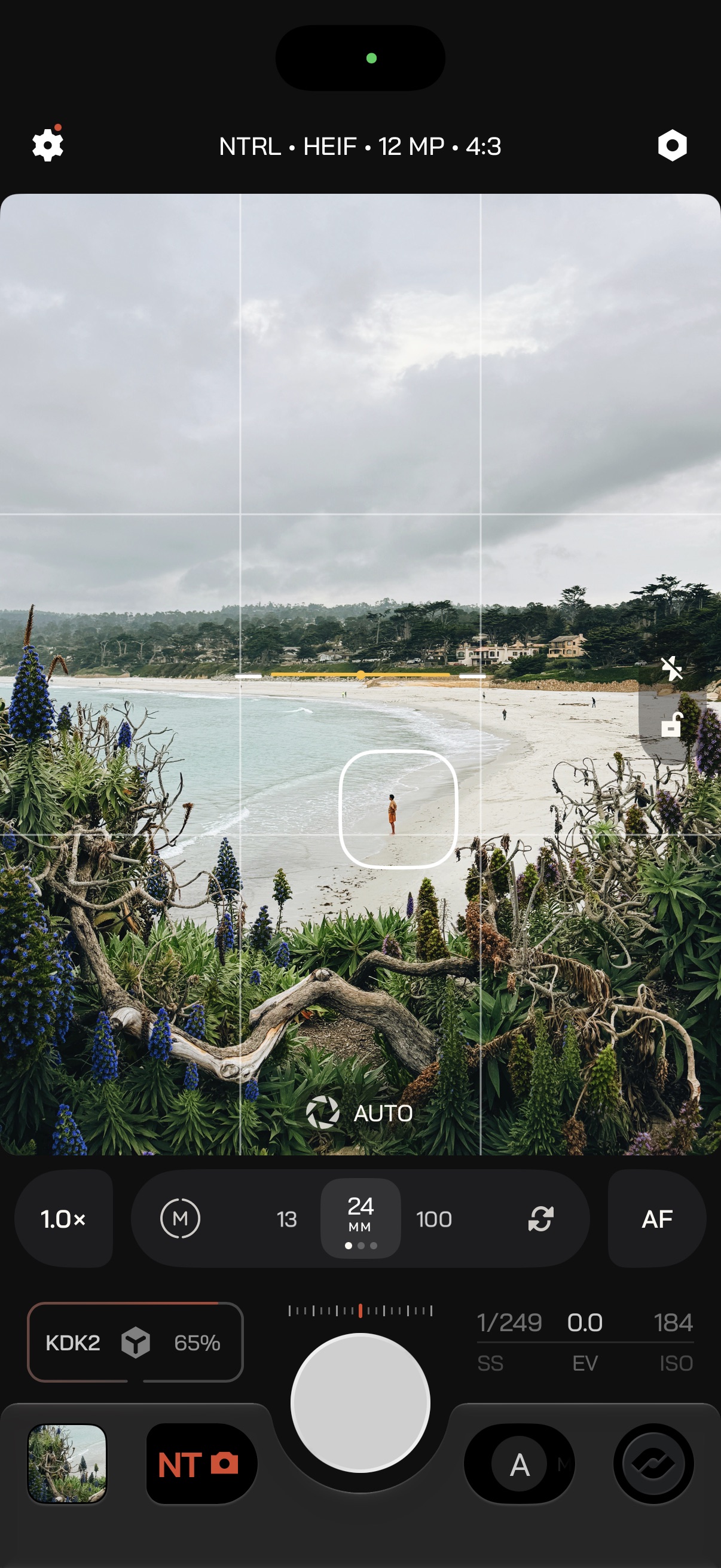
Viewfinder

Frame the shot, and reach the utilities and tools that help you compose and expose it.

Quick Actions

One sheet for everything you need while framing.

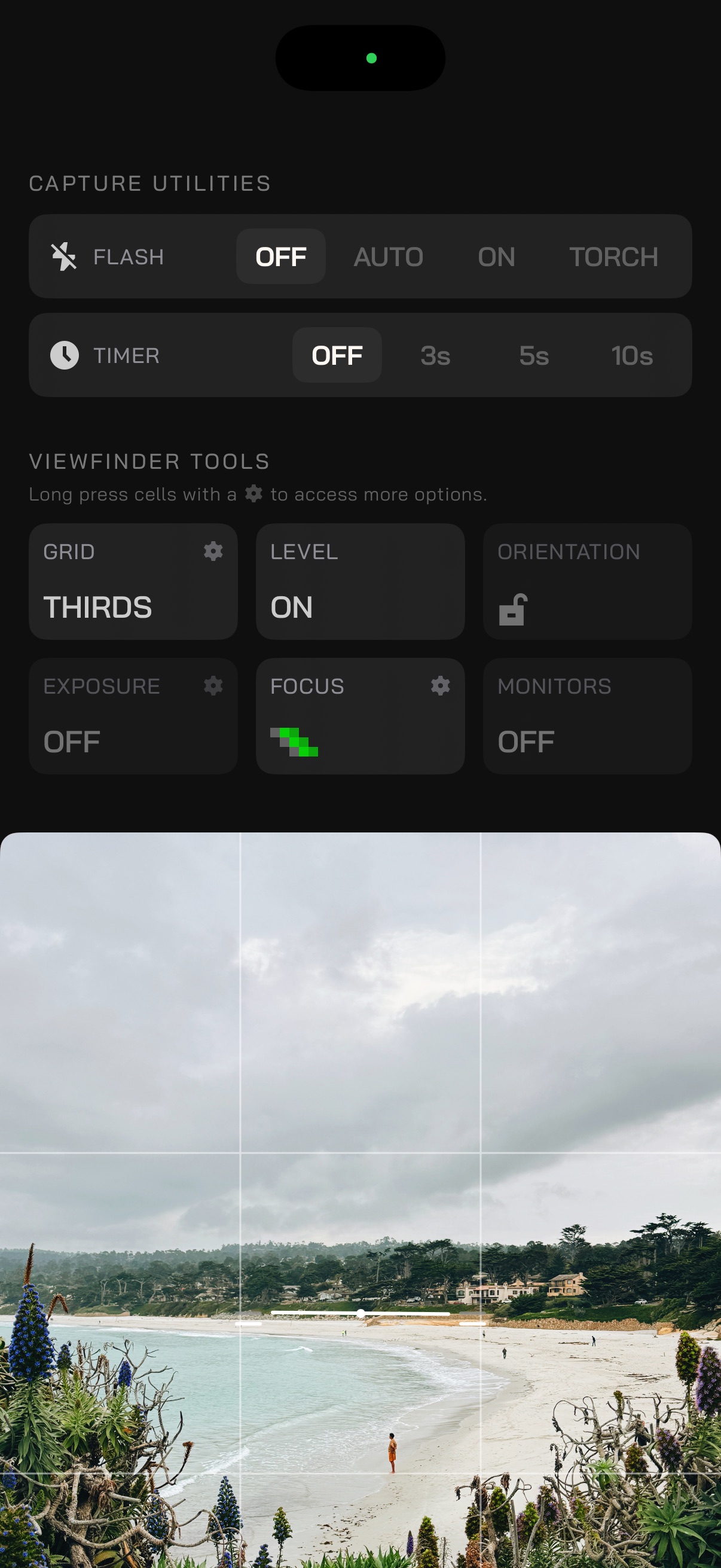
Swipe down on the viewfinder, or tap the pill on the side of the frame, to open Quick Actions. The sheet has two groups. Long-press any Quick Action tile with a gear icon (Grid, Exposure, Focus) to open its settings modal directly, without toggling the tool off.

Utilities
Help you capture the shot. They do not change format or exposure.
Tools
Overlays on the viewfinder that help you compose and expose.
Utilities

Capture helpers at the top of the Quick Actions sheet. Which ones you get depends on the mode.

ModeUtilities
PhotoFlash, Timer
VideoTorch, Stabilization
Slow ShutterLive Photo, Torch, Timer

In Photo, Flash is Off, Auto, On, or Torch. Timer is Off, 3s, 5s, or 10s.

Viewfinder tools

Overlays that help you compose and expose. Tap a tile to turn it on; long-press to configure it.

Quick Actions open, with grid, level, orientation, exposure, focus, and monitors

Focus Assist

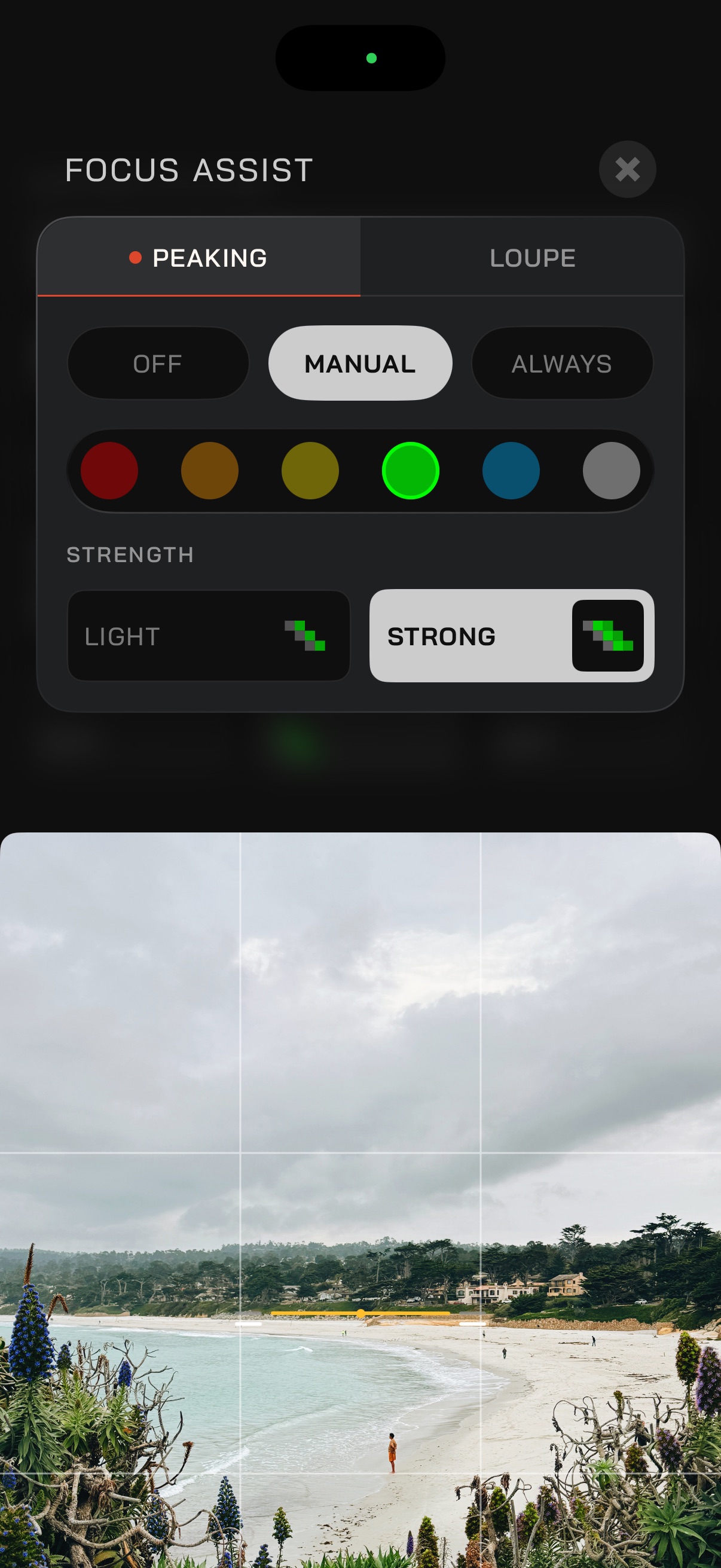
Confirm what is sharp. Peaking outlines in-focus edges; the loupe magnifies the frame.

Long-press the Focus Assist tile in Tools to set it up. Both pair with manual focus on the Lens Bar.

Peaking
Off, Manual (while you focus by hand), or Always. Pick a color from the palette. Strength is Light or Strong.
Loupe
Appears while you focus manually, or stays off. Magnification is 2×, 4×, or 6×.

Reticles

Tap the viewfinder to place focus and the exposure spot meter. What the reticle does depends on Exposure Priority.

One square meters and focuses together. This is where a tap starts in Auto.

The viewfinder with a combined focus and exposure reticle
AE/AF
In Auto, tap the frame. The reticle meters and focuses together.
LockAE-L / AF-L
Long-press to lock exposure and focus. It holds until you let go.
Split
Double-tap to separate exposure and focus. Drag one onto the other to combine them.
AF
In Manual, Shutter, or ISO priority, the reticle only sets focus.
AE
When the reticle is split in Auto, the circle meters exposure on its own.

Zen Mode

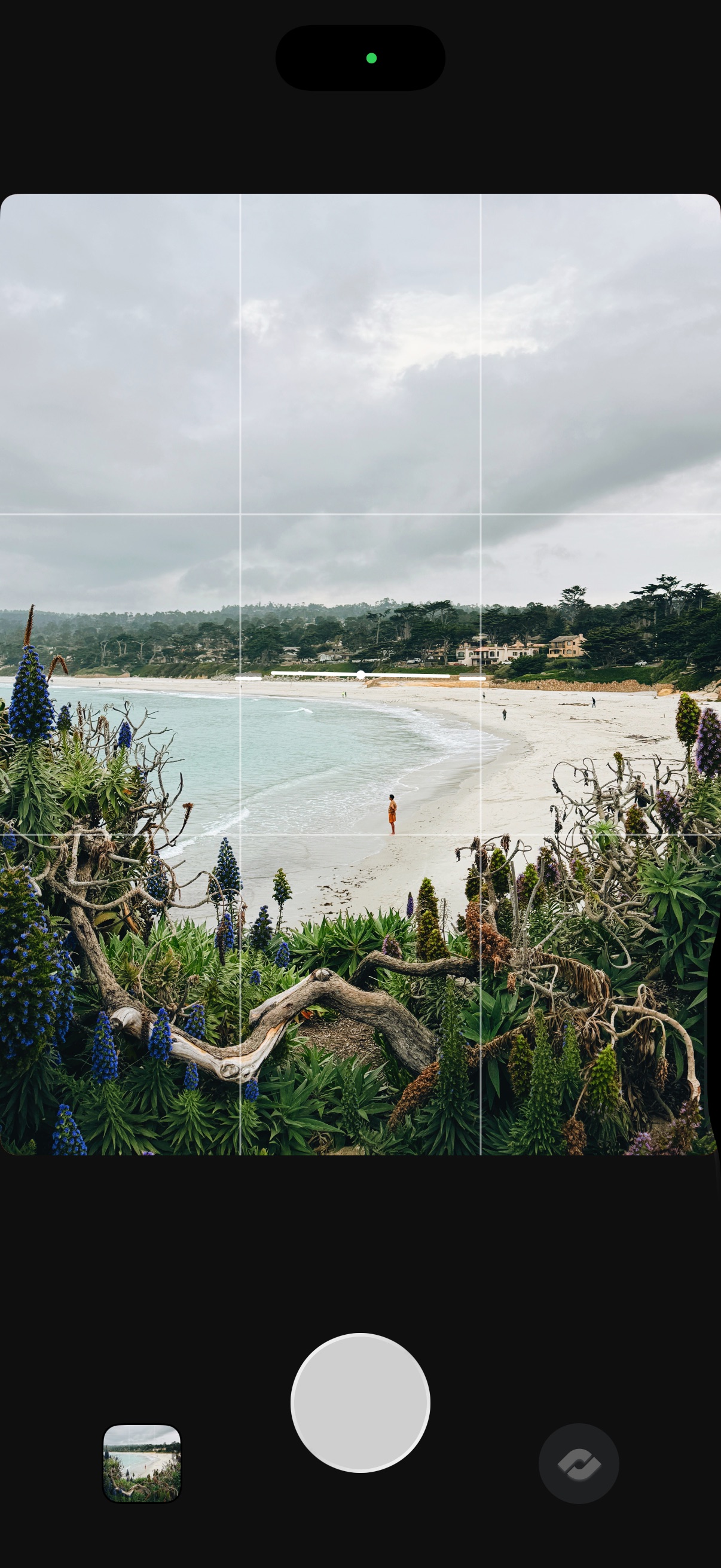
Clear the interface so the frame takes over.

Press the Command button on the Action Plate to enter Zen Mode. It hides the Action Plate, exposure readouts, and Quick Actions, and leaves the shutter so you can still shoot. Press it again to bring the interface back.